
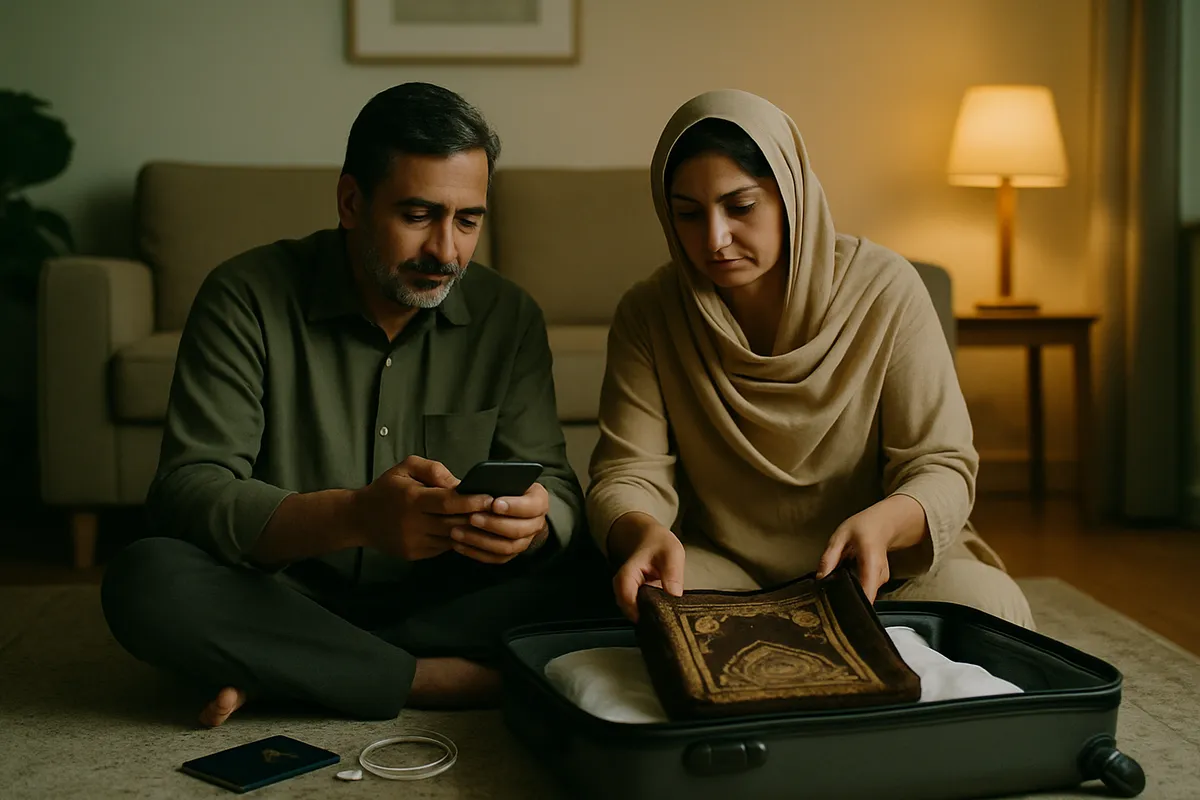
Do all of this in Pakistan, not at the airport
Setting a phone up after landing at Jeddah or Madinah is the worst possible moment. You are tired, the group is moving, and the internet is not working yet — which is a problem, because setting it up needs the internet. That chicken-and-egg catches somebody on every trip.
Everything below happens on your own Wi-Fi at home, sitting down, once. It takes about twenty minutes.
1. Install the eSIM at home. Switch it on there.
These are two separate things and the difference confuses more people than anything else here. Installing means scanning the QR so the profile sits on the phone. Switching on means starting to use it.
Install in Pakistan, on your own Wi-Fi. The profile sits there, switched off. The validity does not start — that begins at the first connection, not at the install.
Switch on after the plane has landed and you take the phone out of flight mode. The internet starts at that moment and not before.
One caution: the QR works once. Keep the screenshot anyway, but do not try to scan it a second time.
- Scan the QR on your home Wi-Fi and add the eSIM
- Give the line a name you will recognise — "Saudi", say
- Leave it switched off; your Pakistani SIM keeps working
- After landing, leave flight mode and switch the Saudi line on
- Set mobile data to that line
2. Turn off roaming on the Pakistani SIM
This is the step people skip and the reason bills arrive. If the Pakistani SIM is still in and its data roaming is on, the phone will quietly fall back to it — especially wherever the eSIM's signal is weak.
You do not need to remove the Pakistani SIM. Turn off its DATA roaming only. Calls and SMS keep arriving, which usually matters, because that is where your bank sends its OTP.
In settings, pick the Pakistani line and turn data roaming off. Then set mobile data to the eSIM line.
3. Download the maps offline
Google Maps will download the Makkah and Madinah areas in advance. If the data runs out, the signal drops, or the network buckles under a crowd, an offline map still shows you the way.
Pin the hotel in particular. Coming out of the Haram every building looks the same and every street is full. First-time visitors get lost at exactly that point.
4. Nusuk and anything that needs a permit
The permit for Riaz-ul-Jannah at Masjid an-Nabawi comes through the Nusuk app, and slots are booked ahead. Install it in Pakistan and log in once to check it works.
Why beforehand: logging in usually sends a code by SMS or email. If you leave it until you land, and the SMS goes to the Pakistani number whose roaming you have just switched off, you are stuck.
Saudi rules and app requirements change between seasons. What is true today may not be next year, so confirm with your travel agent or with Nusuk — not from a blog, including this one.
5. Work out the calls home before you go
Family want news every day, and video calling burns data faster than anything else. A WhatsApp video call runs about 5 MB a minute — fifteen minutes a day is roughly 1 GB over a fourteen-day trip.
Agree one thing with them before you fly: what time you will call. Saudi Arabia is two hours behind Pakistan. Without a fixed time you get missed calls all day, and every attempt costs data.
The cheap way is voice notes instead of video. The best way is once a day, at an agreed time, on the hotel Wi-Fi.
6. Plan for getting separated
Groups get separated in the courtyard of the Haram. It simply happens; nobody has done anything wrong. The problem is only a problem when there is no plan for afterwards.
Do two things before you leave. Put everyone in one WhatsApp group with every number in it. And agree a place to meet if you lose each other — a gate number, a landmark. Do not rely on the internet for this: at prayer times millions of phones are on the same towers and every network slows down.
WhatsApp live location is useful, but only while there is signal. That is exactly why the meeting point has to be agreed in advance — it works without any.
7. The things people forget
A plug adapter. Saudi sockets take the three flat-pin plug; a Pakistani round-pin plug does not fit. Borrow one from the hotel or carry your own.
A power bank. A full day out, Maps running, photographs — the battery is gone by evening. Keep the power bank in hand luggage, never in a checked bag; airlines do not allow it there.
Storage on the phone. People take a great many photographs and videos on Umrah. Clear space before you fly, or the phone fills up on the last day.
Whether the handset does eSIM at all. Check that first, not last.
Common questions
If I switch the eSIM on in Pakistan, does the validity start?
Yes. Validity begins at the first connection. That is why you install in Pakistan and switch on after landing.
Do I have to take the Pakistani SIM out?
No. It stays in. Turn off only its data roaming so no bill builds up. Calls and SMS keep arriving.
Will calls to my Pakistani number reach me on the eSIM?
No, the eSIM carries data only. Calls and SMS arrive on your Pakistani SIM, as long as it is still in the phone.
Does the internet work inside the Haram?
Yes, but at prayer times — Maghrib and Isha especially, and during Taraweeh in Ramadan — millions of phones are on at once and every network slows down. That is a fact about Saudi Arabia, not a problem with one company.
What if the data runs out?
You top up the same eSIM. No new QR arrives and nothing has to be installed again.
Still stuck?
Message us on WhatsApp — usually answered within a couple of minutes. Ask on WhatsApp
More guides
- How do you get internet on a non-PTA phone in Pakistan?
- Should you pay PTA tax, or use a data eSIM?
- What is the difference between a JV phone and a non-PTA phone?
- How do you install an eSIM?
- eJurs vs Simless: which non-PTA eSIM is cheaper?
- The best non-PTA eSIM in Pakistan, compared
- eJurs vs PrimeSIM: which one fits you?
- Onic is shutting down new sales — what now?
- Your non-PTA phone stops after 60 days. Then what?
- Does an eSIM work on a non-PTA iPhone?
- What an eSIM is, and what the QR code actually does
- Internet on Hajj — what happens at Mina and Arafat
- Visiting Pakistan from abroad: PTA's free 120-day registration, or an eSIM?
- Pakistan SIM card or eSIM for tourists — which to get
- Jazz, Zong, Ufone and Telenor eSIM prices — and what works on a non-PTA phone
- What a data-only eSIM does — and what it doesn't
- How to check PTA tax — by IMEI, the official way
- Umrah SIM package: Jazz, Zong or Ufone roaming, a Saudi SIM, or an eSIM?
- Will your UK, Dubai or Saudi SIM work in Pakistan? A guide for overseas Pakistanis
- eSIM reseller guide: sell eSIMs from your shop
- Dosti Dhamaka: refer friends, get FREE data
- Getting your phone ready for ziyarat in Iraq and Arbaeen — staying online in Karbala and Najaf
- Baku SIM card — an Azercell or Bakcell SIM at the airport, roaming, or an eSIM: what suits Pakistanis
- Dubai SIM card — a du or Etisalat SIM at the airport, Jazz roaming, or an eSIM: what suits Pakistanis
- UK SIM card for Pakistani students — the eVisa, your first week, and when to get a local SIM
- USA SIM card for Pakistanis — a prepaid SIM, Jazz roaming, or an eSIM: what suits a long family visit