
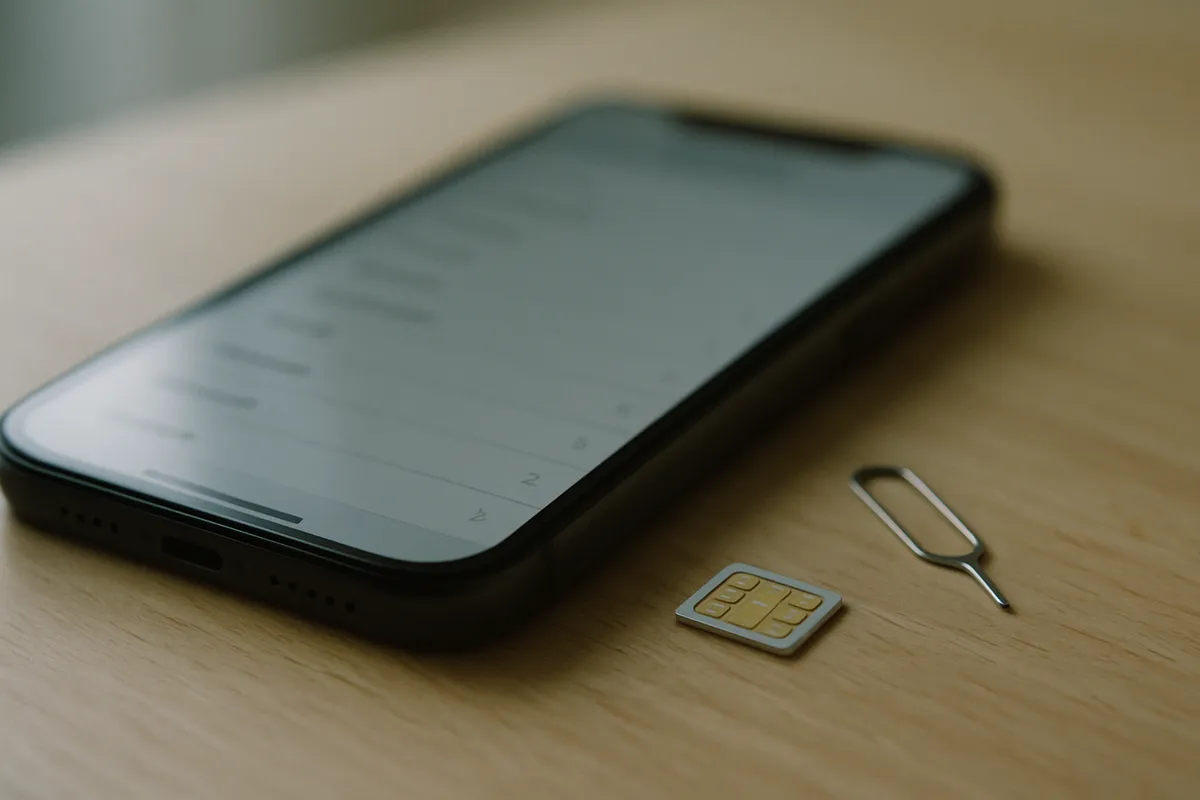
What an eSIM is
An ordinary SIM is a piece of plastic that goes in a tray. An eSIM does the same job, but the chip is already soldered to the phone's board — it never comes out and nothing goes in.
The only real difference is where the operator's details come from. On a plastic SIM they are written at the factory. On an eSIM they arrive later, over the internet. Those details are called a "profile".
One eSIM chip can hold several profiles — a Pakistani operator's and a travel one, say. Usually one or two can be active at a time, and you choose which in Settings.
The QR code is not the SIM — this is the part that matters
People assume the QR code is the SIM. So they guard it, try scanning it on a second phone, or panic when a second scan does nothing.
The QR is an address. It says: "go to this server and show it this code." The phone contacts that server, presents the code, and the server sends the profile down.
The server hands that profile out once. As soon as one phone has taken it, the code is spent. That is why:
- The QR works exactly once
- Scanning it on another phone does nothing
- Deleting the profile does not let the same QR bring it back
There is no harm in keeping the screenshot, but after the first scan it is just a picture.
Installing and switching on are two different things
Installing means scanning the QR and bringing the profile onto the phone. That needs an internet connection — Wi-Fi is fine — because the profile comes from a server.
Switching on means starting to use it. After installing, the profile can sit switched off, and nothing is used while it does.
The distinction is useful for travel: install on your home Wi-Fi, and switch on when you arrive.
A plastic SIM against an eSIM
| Plastic SIM | eSIM | |
|---|---|---|
| What it is | A piece of plastic in a tray | A chip already inside the phone |
| How you get it | Handed over in a shop | Scan a QR, downloaded over the internet |
| Can you lose it? | Yes | No — it is inside the phone |
| Moving it to another phone | Take it out, put it in | Depends on the operator, often not |
| How many per phone | As many as there are trays | Several profiles, one or two active |
Does my phone take an eSIM?
Not every phone has the chip. Older and cheaper handsets often do not.
On an iPhone: Settings → General → About and look for EID. If it is there, the chip is there.
On Android: type *#06# in the dialler. If an EID appears alongside the IMEI, the chip is there. Some phones show an "Add eSIM" option under Settings → SIM, which also means it is.
No EID means no eSIM, and no update will add one.
What an eSIM does not give you
An eSIM is a delivery method, not a product. What you get on it depends on whose profile it is — some carry calls and SMS, some carry data only.
Ours is data only: the internet works, WhatsApp works, but there is no Pakistani number and no calls or SMS. That is not a limitation of eSIM — it is the shape of our plans, and it is worth knowing before you buy.
Common questions
Are eSIMs available in Pakistan?
Yes, of two kinds. Jazz, Zong, Ufone and Telenor issue their own eSIMs at a franchise — with a fingerprint check, for PTA-approved phones, at up to Rs. 1,500 under PTA's cap. And data-only roaming eSIMs are sold online, like eJurs.
How do you buy an eSIM online?
A data-only roaming eSIM is bought entirely online: pick a plan, pay, and the QR arrives on WhatsApp. An operator eSIM cannot be bought online, because the fingerprint check means a visit to a franchise.
Does an eSIM need the internet?
Only while installing, because the profile comes from a server. Wi-Fi is enough. Once installed it runs on the mobile network like any SIM.
Can I scan the QR again?
No. The server hands out the profile once. After the first scan the QR is just a picture.
I deleted my eSIM. How do I get it back?
The same QR will not work. You have to ask the provider for a new profile.
Can a plastic SIM and an eSIM run together?
Yes, on most phones. You pick in Settings which one takes calls and which one carries data.
Is an eSIM more secure?
In one sense — it cannot be pulled out and stolen. And the QR holds no password or phone number; it is only a network address.
Still stuck?
Message us on WhatsApp — usually answered within a couple of minutes. Ask on WhatsApp
More guides
- How do you get internet on a non-PTA phone in Pakistan?
- Should you pay PTA tax, or use a data eSIM?
- What is the difference between a JV phone and a non-PTA phone?
- How do you install an eSIM?
- eJurs vs Simless: which non-PTA eSIM is cheaper?
- The best non-PTA eSIM in Pakistan, compared
- eJurs vs PrimeSIM: which one fits you?
- Onic is shutting down new sales — what now?
- Your non-PTA phone stops after 60 days. Then what?
- What to set up on your phone before you leave for Umrah
- Does an eSIM work on a non-PTA iPhone?
- Internet on Hajj — what happens at Mina and Arafat
- Visiting Pakistan from abroad: PTA's free 120-day registration, or an eSIM?
- Pakistan SIM card or eSIM for tourists — which to get
- Jazz, Zong, Ufone and Telenor eSIM prices — and what works on a non-PTA phone
- What a data-only eSIM does — and what it doesn't
- How to check PTA tax — by IMEI, the official way
- Umrah SIM package: Jazz, Zong or Ufone roaming, a Saudi SIM, or an eSIM?
- Will your UK, Dubai or Saudi SIM work in Pakistan? A guide for overseas Pakistanis
- eSIM reseller guide: sell eSIMs from your shop
- Dosti Dhamaka: refer friends, get FREE data
- Getting your phone ready for ziyarat in Iraq and Arbaeen — staying online in Karbala and Najaf
- Baku SIM card — an Azercell or Bakcell SIM at the airport, roaming, or an eSIM: what suits Pakistanis
- Dubai SIM card — a du or Etisalat SIM at the airport, Jazz roaming, or an eSIM: what suits Pakistanis
- UK SIM card for Pakistani students — the eVisa, your first week, and when to get a local SIM
- USA SIM card for Pakistanis — a prepaid SIM, Jazz roaming, or an eSIM: what suits a long family visit
