

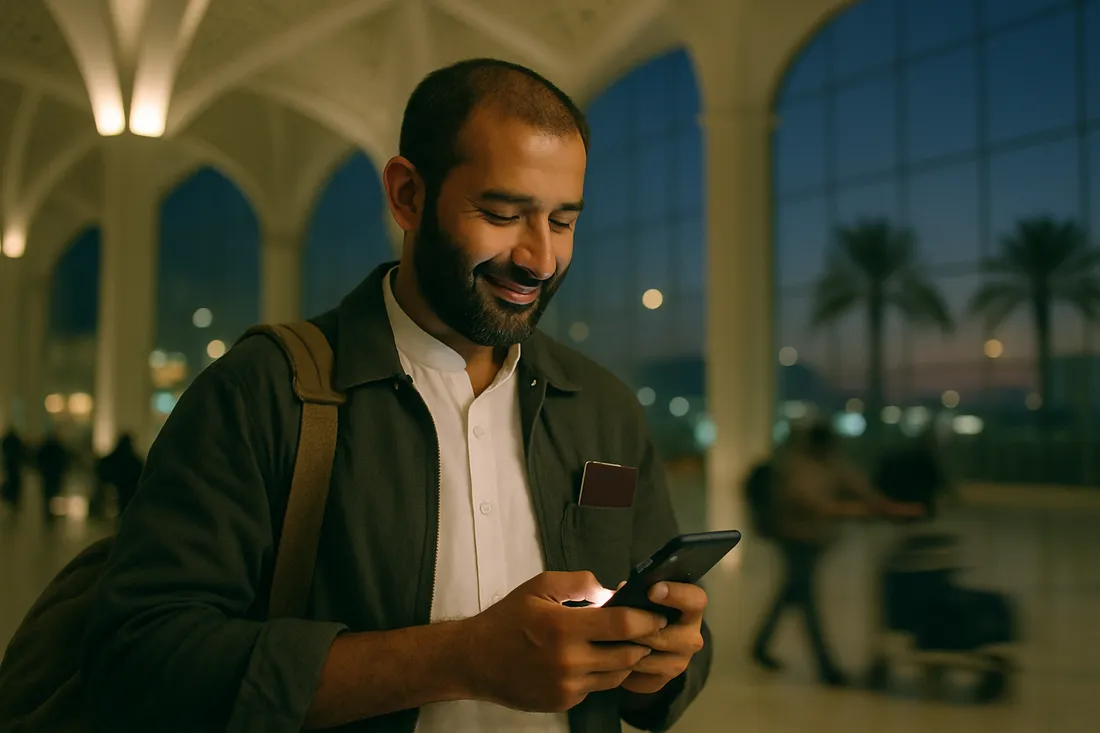
What you actually need data for on Umrah
An Umrah trip is not an ordinary holiday. You move between the Haram and your hotel two or three times a day, you get separated from your group, and your family at home waits for news every evening. All three need data — and all three happen precisely when you are out of range of the hotel Wi-Fi.
In practice, data goes on:
- Video calls home — by far the largest item. A WhatsApp video call uses roughly 5 MB per minute, so about 300 MB an hour. Fifteen minutes a day for fourteen days is close to 1 GB on its own.
- Google Maps — hotel to Haram, Haram to Jannat al-Baqi, waiting for a taxi. Around 5 MB per 30 minutes of navigation.
- Sending photos — 2 to 3 MB each. Twenty photos in a day is 50 MB.
- The Nusuk app — Rawdah permits are issued through it, and it needs a connection. Relying on hotel Wi-Fi is a risk when the permit slot is fixed to a time.
- Haramain train tickets and Careem or Uber — neither app works offline.
Why hotel Wi-Fi isn't enough
The hotels around the Haram — Ajyad, Misfalah, Aziziyah — hold thousands of guests in season, and all of them are on one network. In Rajab, Sha'ban and especially the last ten nights of Ramadan, the Wi-Fi effectively stops in the evenings. That is not a fault with the hotel; it is simply that many people in one building.
The deeper problem is that Wi-Fi ends at the hotel room. The moment you most need to be reachable — standing in the courtyard having lost your group, or waiting for a taxi — is exactly the moment the Wi-Fi isn't there.
An eSIM solves that because it travels with you. Mobile data is wherever you are.
Coverage in Makkah and Madinah
This eSIM runs on STC, Saudi Arabia's oldest and largest operator, with 4G and 5G across the urban areas of Makkah, Madinah, Jeddah and Riyadh.
Inside the Haram: both Masjid al-Haram and Masjid an-Nabawi have signal, but at prayer times — particularly Maghrib and Isha, and during Taraweeh in Ramadan — hundreds of thousands of phones are on the same cells at once. Every network slows down then, local SIM or eSIM alike. That is a fact about Saudi Arabia at peak, not about any one operator.
The practical advice: make your calls home from the hotel, or before the crowd builds, rather than from the courtyard. And agree a meeting point with your group in advance instead of trusting a connection when a million people are in one place.
The Haramain line between Makkah, Jeddah and Madinah is covered too, though signal on a moving train drops occasionally, as it does everywhere.
A Saudi SIM (STC, Mobily, Zain) or an eSIM for Umrah
STC, Mobily and Zain all sell tourist SIMs at the airports. Three things are worth knowing before you plan on one:
- The queue. Three hundred people land with you and many head for the same counters. In Umrah season that wait can run past half an hour, at the point where you are tired and your group is moving on.
- Registration. A local SIM needs your passport and a registration step, and some outlets take biometrics.
- Your own number. To fit a local SIM, most people take their Pakistani SIM out. After that, nothing from home reaches you — including bank OTPs.
An eSIM avoids all three. It installs in Pakistan, needs no passport, and leaves your Pakistani SIM in the phone. You use data on the eSIM and WhatsApp stays on the number your family already has.
A Jazz, Zong or Ufone Umrah roaming package, or an eSIM
Jazz, Zong and Ufone all sell prepaid roaming bundles for Saudi Arabia — a fixed amount of data, and in some cases minutes and SMS too. You activate them on your Pakistani SIM before you leave, and the cost is known in advance.
Prices differ: some bundles cost more than an eSIM and some less, Zong's Umrah offers in particular. So compare your own operator's bundle before you choose — every operator's official prices are in the guide below.
Roaming without a bundle is a different matter: data is charged per megabyte, and a single video call can get expensive. If you are going to roam, take a bundle.
The eSIM's advantage is that it is the same for any operator's customer, nothing has to be activated on your Pakistani SIM, and if the data runs out you top up the same eSIM.
Extra notes for Hajj
Hajj needs more data than Umrah, because you spend five days at Mina, Arafat and Muzdalifah, where there is no hotel Wi-Fi at all. Those camps concentrate enormous numbers of people onto very few cells.
- Take at least 5 GB. Take 10 GB if you intend to call home daily.
- Carry a power bank. On a congested network the phone hunts for signal and the battery drains much faster than usual.
- Agree a meeting point and time with your group in advance. Do not depend on a connection during those days.
- Download offline maps beforehand. Google Maps will store the Makkah area for offline use.
Install in Pakistan or after you land?
Install in Pakistan; it activates in Saudi Arabia. Those are two different events and the difference matters.
Scanning the QR and loading the profile onto your phone needs a connection — do that at home on your own Wi-Fi, not at an airport.
The data and the validity only start when the eSIM first attaches to a Saudi network, which is when you switch it on after landing. Installing early costs you nothing.
So: install a day or two before you fly, leave the eSIM switched off, and turn it on when you step off the plane in Jeddah or Madinah.
How it compares
| eJurs eSIM | Saudi local SIM | Pakistani roaming | |
|---|---|---|---|
| Working when you land | Yes | After you reach a counter | Yes |
| Passport needed | No | Yes | No |
| Queue at the airport | No | Yes, long in season | No |
| Pakistani number stays on | Yes | Usually not — SIM comes out | Yes |
| Cost known in advance | Yes — fixed allowance | Yes | With a bundle, yes |
| Can buy before leaving Pakistan | Yes | No | Yes |
Common questions
Does this eSIM work in both Makkah and Madinah?
Yes. It runs on the STC network, which covers Makkah, Madinah, Jeddah and Riyadh. You will have signal inside the Haram as well, though every network slows during prayer times because of the sheer number of phones.
How much data do I need for Umrah?
3 GB is enough for most people on a 10 to 15 day trip using Maps, WhatsApp and photos. Choose 5 GB if you video call home daily, since video calling uses roughly 300 MB per hour.
Will my Pakistani number stop working?
No. The eSIM sits as a second line, so your Pakistani SIM stays in the phone. WhatsApp continues on your existing number and texts and OTPs from home still arrive.
Should I install the eSIM in Pakistan or after landing?
Install it in Pakistan, on your home Wi-Fi. The data and validity only begin when the eSIM first connects to a Saudi network, so installing early costs you nothing and saves you hunting for a connection at the airport.
Can I make calls and send texts on it?
This is a data-only eSIM, so it does not come with a Saudi phone number. Calls and video calls go over WhatsApp, IMO or Messenger, which run on data. That is what most Pakistani travellers do anyway, because family at home is on WhatsApp too.
Which plan is best for Hajj?
At least 5 GB, and 10 GB if you want to call home every day. During Hajj you spend five days at Mina, Arafat and Muzdalifah with no hotel Wi-Fi at all, so everything runs on mobile data.
What if I run out of data?
You can top up. Message us on WhatsApp and we add data to the same eSIM — there is no need to install a new one.
How much is an Umrah SIM package?
Every plan's price is in the table above. The smallest is 1 GB, and for a 10 to 15 day Umrah most people take 3 GB. Validity starts when the eSIM first connects to a Saudi network.
Is a Jazz or Zong Umrah package better than an eSIM?
It depends on your operator. Some of Zong's Umrah offers are cheaper than an eSIM, while other bundles cost more. The eSIM is the same for any operator's customer and needs nothing activated on your Pakistani SIM. Every operator's official prices are in our Umrah SIM package guide.
Does my phone support eSIM?
Most recent phones do — iPhone XS and newer, Samsung S20 and newer, Google Pixel 3 and newer. Check your exact model with our device checker. It works on non-PTA phones too.
Other destinations
Going somewhere else? We have eSIMs for these countries too.
- Iraq eSIM — from Rs. 790
- United Arab Emirates eSIM — from Rs. 940
- United Kingdom eSIM — from Rs. 340
- United States eSIM — from Rs. 490
- Azerbaijan eSIM — from Rs. 1,090