

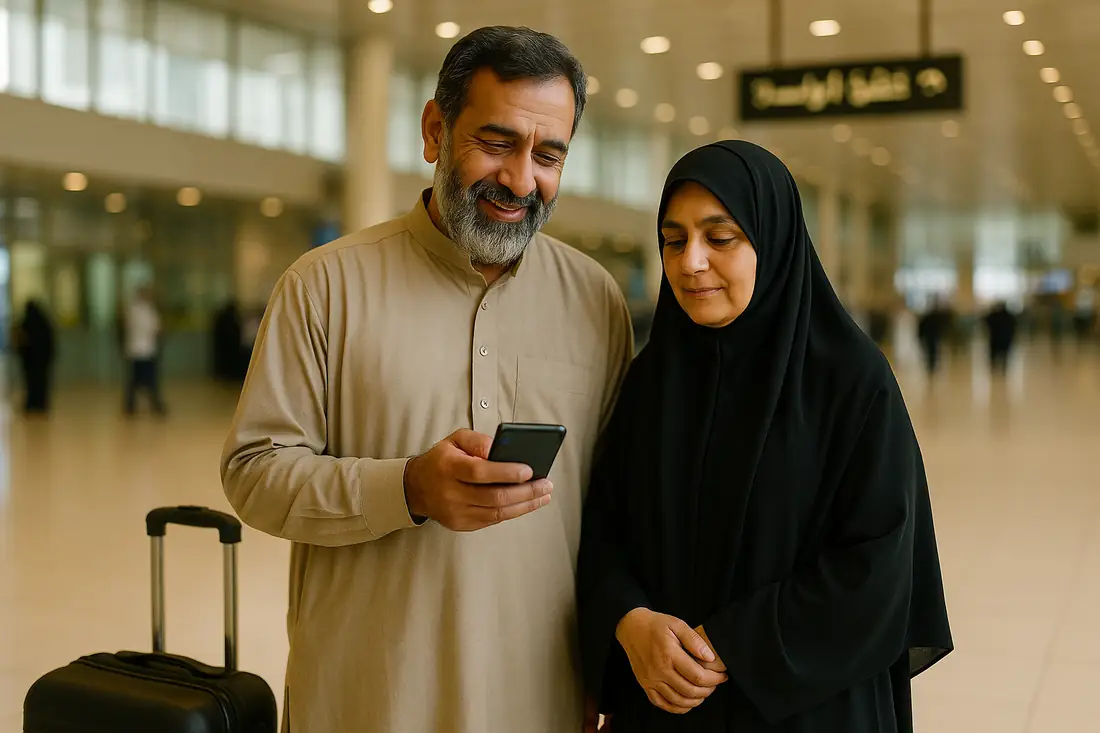
What you actually need the internet for on ziyarat
Ziyarat is not a holiday. You go back and forth between the shrines and the hotel day and night, you move with a qafila, and your family at home is waiting to hear from you every day — and most of that happens where the hotel Wi-Fi does not reach.
In practice, data goes on:
- The qafila's WhatsApp group — where the salar says when the bus leaves, where to meet and what has changed. Miss that message and you can miss the qafila.
- Video calls home — the biggest cost. WhatsApp video uses about 5 MB a minute, so 15 minutes a day over 14 days is roughly 1 GB.
- Google Maps — from Bayn al-Haramayn back to the hotel, from the shrine in Najaf to Wadi-us-Salaam, or out to Kufa. About 5 MB per half hour of navigation.
- Live location — getting separated from an elderly parent or a child in the crowds is common here, and sharing location is the single most useful thing a phone does.
- Photos and video for home — 2 to 3 MB a photo.
Coverage in Karbala, Najaf, Kazmain and Samarra
This eSIM runs on Asiacell, one of Iraq's largest mobile operators, with a network across the country.
- Karbala and Najaf — the cities and the hotel areas around the shrines — have 4G.
- Kazmain in Baghdad, and Kufa, are within urban coverage.
- On the road to Samarra and the long desert highways between cities, the signal weakens in stretches.
- Asiacell also covers Erbil and Sulaymaniyah in Kurdistan.
The honest part: inside the shrines and their courtyards — especially on Thursday nights, in Muharram and at Arbaeen — hundreds of thousands of phones share the same towers. Every network slows down then, local SIM or eSIM. If you want a proper call home, make it from the hotel or before the crowds build.
The Arbaeen walk — Najaf to Karbala
The road from Najaf to Karbala is about 80 km and usually takes two to three days on foot. It is lined with 1,452 numbered poles (amood), and walkers tell each other where they are by pole number.
Arbaeen is the largest annual gathering in the world, and with that many people the mobile networks are under enormous strain — messages arrive late and calls drop. That is not one company's failing; it is what a crowd that size does. So alongside data, prepare for it:
- Agree with your qafila in advance which pole number and what time to meet at if you get separated. It works whether or not the network does.
- Download the Najaf–Karbala area in Google Maps for offline use.
- Carry a power bank — the mawkibs have charging, but the queues are long.
- When the signal is good, send your family your live location so they can follow your walk.
For Arbaeen the 10 GB plan is the sensible choice: location sharing all day, calls and photos home, and a video call from the mawkib at night.
Iraq switches the internet off on exam days — know this before you go
Few people mention this: on school exam days the Iraqi government switches off internet access across the country for a couple of hours in the morning, to stop cheating. A series of these was recorded between May and July 2025, typically from 6 to 8 am.
During those hours every network is off — Asiacell, Zain, Korek, every local SIM and every eSIM, ours included. It is a government decision, not a network fault. The internet comes back on its own afterwards, and you lose neither data nor validity.
If you travel in summer, download the morning's plan, the qafila's timings and any documents you need to the phone beforehand. Kurdistan has run its own exam-day cuts too.
Iran and Iraq on the same trip? Remember this
Many qafilas visit Iran (Mashhad and Qom) and Iraq on the same journey. This eSIM is for Iraq only — it does not work in Iran.
The good news is that its validity starts only when it first connects to a network in Iraq. Install it before you leave Pakistan; the days you spend in Iran do not come off it. When you cross into Iraq, switch this line's data on in your phone's settings.
Landing at Najaf or Baghdad airport
Most ziyarat flights from Pakistan land at Najaf (NJF) or Baghdad (BGW). There are Iraqi SIM counters at the airport, but a whole flight of zaireen arrives at once and registration with a passport takes time — while the qafila's bus waits.
With the eSIM already installed, you can tell your family you have arrived safely the moment you step off the plane, and the salar's messages reach you straight away.
Careem ride-hailing has operated in Baghdad, Najaf and Basra, but most zaireen travel with the qafila's transport — so what you really need is WhatsApp and Maps.
How much data to take
- 7 days, Karbala and Najaf only, light WhatsApp: 1 GB will be tight; 3 GB is comfortable.
- A typical 10 to 14 day ziyarat — Karbala, Najaf, Kazmain, Samarra: 3 GB. This is what most zaireen choose.
- Daily video calls home, or staying in touch with elderly parents: 5 GB.
- Arbaeen, or sharing a hotspot with family: 10 GB.
- A whole qafila or a large family on one phone's hotspot: 20 GB.
If you run out, top up the same eSIM — there is no new QR code to scan.
How it compares
| eJurs eSIM | Iraqi local SIM | Pakistani roaming | |
|---|---|---|---|
| Working when you land | Yes | After a counter and registration | Yes |
| Passport needed | No | Yes | No |
| Installed before you leave Pakistan | Yes | No | Yes |
| Pakistani number stays on | Yes | Often means removing your SIM | Yes |
| Also works in Iran | No — Iraq only | No | Depends on the package |
| Cost known in advance | Yes | Yes | Only with a bundle |
Common questions
How much data do I need for ziyarat in Iraq?
3 GB covers a typical 10 to 14 day ziyarat — the qafila's WhatsApp group, Maps and photos. Take 5 GB for daily video calls home, and 10 GB for the Arbaeen walk.
Does the eSIM work in both Karbala and Najaf?
Yes. It runs on Asiacell, which covers Karbala, Najaf, Kufa, Baghdad (Kazmain) and Samarra. Inside the shrine courtyards at peak times every network slows down — that is the reality of the crowds there.
Will the internet work on the Arbaeen walk?
There is coverage along the route, but millions of pilgrims put the network under heavy strain and messages can be delayed. Agree a meeting pole (amood) number with your qafila in advance and download the map for offline use.
Does this eSIM work in Iran too?
No, it works in Iraq only. If your qafila goes to Mashhad or Qom first, you lose nothing: validity starts when it first connects in Iraq, so the days in Iran do not count.
Iraq cuts the internet on exam days — does that affect the eSIM?
Yes. On school exam days the Iraqi government switches off internet access nationwide for a few morning hours, and every SIM and eSIM is affected. It comes back on its own and you lose no data.
When does the validity start?
When the eSIM first connects to a network in Iraq. That makes it completely safe to install at home in Pakistan beforehand.
Will my Pakistani number keep working?
Yes. The eSIM is a second line and your Pakistani SIM stays in the phone, so WhatsApp, bank OTPs and calls from home keep coming to the same number.
Do I get an Iraqi phone number?
No, this is a data-only eSIM. You stay in touch with the qafila, the hotel and home over WhatsApp calls and messages.
Other destinations
Going somewhere else? We have eSIMs for these countries too.
- Saudi Arabia eSIM — from Rs. 890
- United Arab Emirates eSIM — from Rs. 940
- United Kingdom eSIM — from Rs. 340
- United States eSIM — from Rs. 490
- Azerbaijan eSIM — from Rs. 1,090