
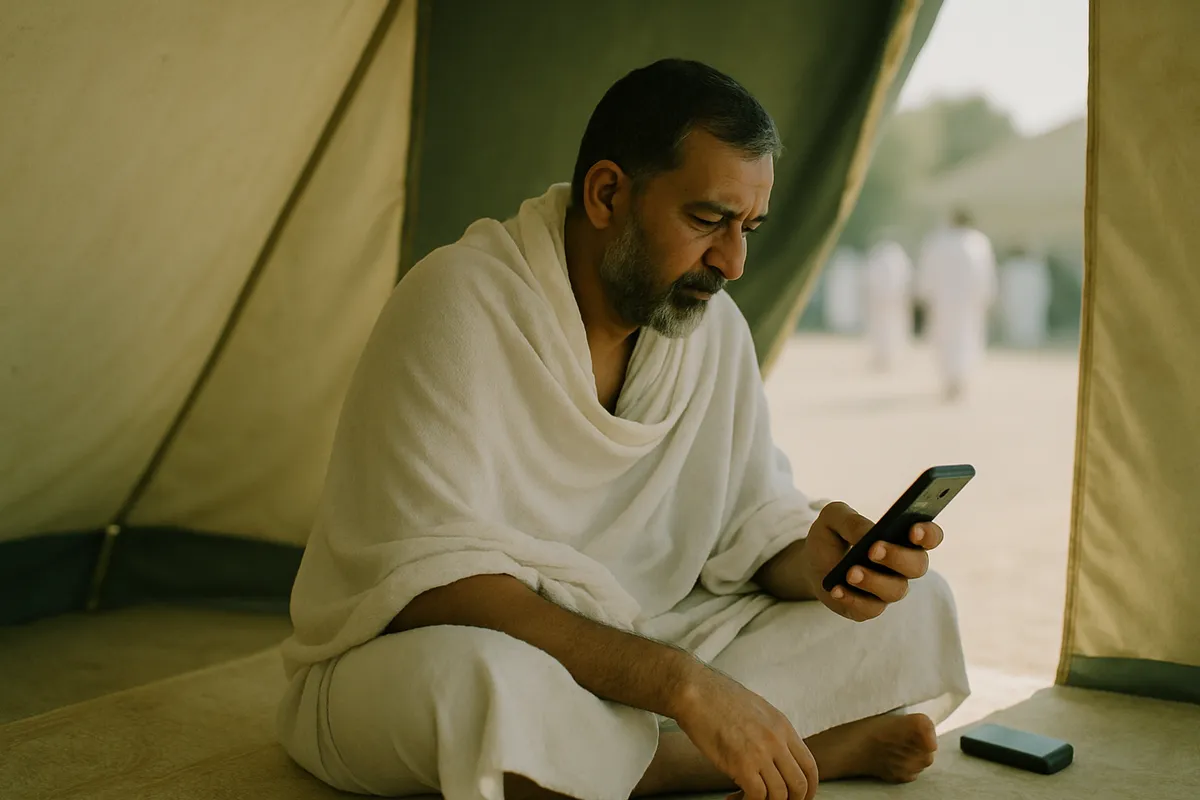
Internet on Hajj is not the same as on Umrah
On Umrah the internet usually works; the real job is setting the phone up. On Hajj the internet is itself the problem.
From the 8th to the 13th of Dhul Hijjah, millions of pilgrims are in a few square kilometres of Mina, Arafat and Muzdalifah. Every operator's towers in that area fill up at the same moments. That is not a weakness of any one company — no network has the capacity for that many people.
Anyone telling you their eSIM will be fast at Arafat is not telling you the truth. Ours will not be either. That is why this guide is mostly about what to do when there is no internet.
What to expect on which day
| Day | Where | Network |
|---|---|---|
| 8 Dhul Hijjah | Mina | Crowds building — slow at night |
| 9 Dhul Hijjah | Arafat | The worst — very slow or down all day |
| Night of 9–10 | Muzdalifah | Open ground, very slow |
| 10–13 Dhul Hijjah | Mina, Jamarat | Very slow at Jamarat, better otherwise |
The most important thing: a plan for separation that needs no internet
Getting separated from your group is the biggest risk on Hajj, and it happens exactly when the network is down — at Jamarat, leaving Arafat, on the night at Muzdalifah.
So whatever you arrange has to work without the internet:
- Write your group leader's and your Muallim's numbers on paper and keep it in a pocket — it still works if the phone dies
- Write down your tent number and where it sits in Mina
- Agree a meeting point with your group in advance
- Keep your Hajj ID card around your neck at all times — it is how people get you back to your group
WhatsApp live location helps on a good day. On a hard one it will not, so do not depend on it.
Battery — a bigger problem than the internet
There are few charging points in the Mina tents, and everyone wants them at once. At Arafat you are outdoors all day.
A phone on a weak signal drains faster, because it keeps searching for the network. Where there is no signal, switch to flight mode and the battery will last.
Carry a power bank, charged before Hajj begins. In the heat a phone can overheat and shut itself down — keep it out of the sun.
Tell your family in advance
Families worry more during the days of Hajj, and more still when the phone goes unanswered.
Before you leave, tell them that on the day of Arafat and the night at Muzdalifah you may be unreachable — and that this is normal, not a cause for alarm. You will be in touch once you are back at Mina or the hotel.
Saying that once beforehand saves hours of worry later.
How much data to buy
You will not use much data during the days of Hajj itself, because the network will barely work. Most of it goes in Makkah beforehand and after Hajj is done.
For most pilgrims 10 GB is enough, because the trip is long — often thirty to forty days. Take more if you want to video call home daily. If it runs out, you top up the same eSIM.
What this guide cannot promise
Hajj arrangements change every year — where the tents are, how the Muallim system works, what Saudi Arabia requires. The dates and places in this guide are a general picture, not this year's instructions.
Your group leader's and your Muallim's instructions always come before this guide or any blog.
Common questions
Will the internet work at Arafat?
Very slowly or not at all. On the 9th of Dhul Hijjah millions of people are there and every network fills up. Plan on that.
Which eSIM works best on Hajj?
None is fast in the Mina and Arafat crowds — that is a network capacity problem, not a provider problem. The difference shows on the other days.
How much data do I need for Hajj?
10 GB for most people, because the trip is long. During the days of Hajj itself you use little, because the network is so slow.
What if I get separated from my group?
Do not rely on the internet. Go to the meeting point you agreed in advance, and use your Hajj ID card and the Muallim's number written in your pocket.
Still stuck?
Message us on WhatsApp — usually answered within a couple of minutes. Ask on WhatsApp
More guides
- How do you get internet on a non-PTA phone in Pakistan?
- Should you pay PTA tax, or use a data eSIM?
- What is the difference between a JV phone and a non-PTA phone?
- How do you install an eSIM?
- eJurs vs Simless: which non-PTA eSIM is cheaper?
- The best non-PTA eSIM in Pakistan, compared
- eJurs vs PrimeSIM: which one fits you?
- Onic is shutting down new sales — what now?
- Your non-PTA phone stops after 60 days. Then what?
- What to set up on your phone before you leave for Umrah
- Does an eSIM work on a non-PTA iPhone?
- What an eSIM is, and what the QR code actually does
- Visiting Pakistan from abroad: PTA's free 120-day registration, or an eSIM?
- Pakistan SIM card or eSIM for tourists — which to get
- Jazz, Zong, Ufone and Telenor eSIM prices — and what works on a non-PTA phone
- What a data-only eSIM does — and what it doesn't
- How to check PTA tax — by IMEI, the official way
- Umrah SIM package: Jazz, Zong or Ufone roaming, a Saudi SIM, or an eSIM?
- Will your UK, Dubai or Saudi SIM work in Pakistan? A guide for overseas Pakistanis
- eSIM reseller guide: sell eSIMs from your shop
- Dosti Dhamaka: refer friends, get FREE data
- Getting your phone ready for ziyarat in Iraq and Arbaeen — staying online in Karbala and Najaf
- Baku SIM card — an Azercell or Bakcell SIM at the airport, roaming, or an eSIM: what suits Pakistanis
- Dubai SIM card — a du or Etisalat SIM at the airport, Jazz roaming, or an eSIM: what suits Pakistanis
- UK SIM card for Pakistani students — the eVisa, your first week, and when to get a local SIM
- USA SIM card for Pakistanis — a prepaid SIM, Jazz roaming, or an eSIM: what suits a long family visit